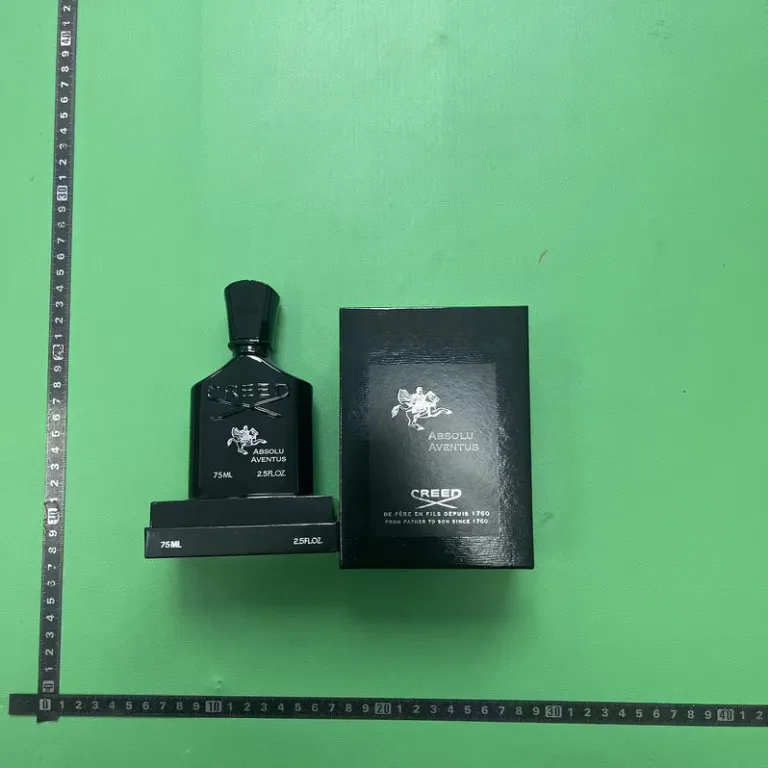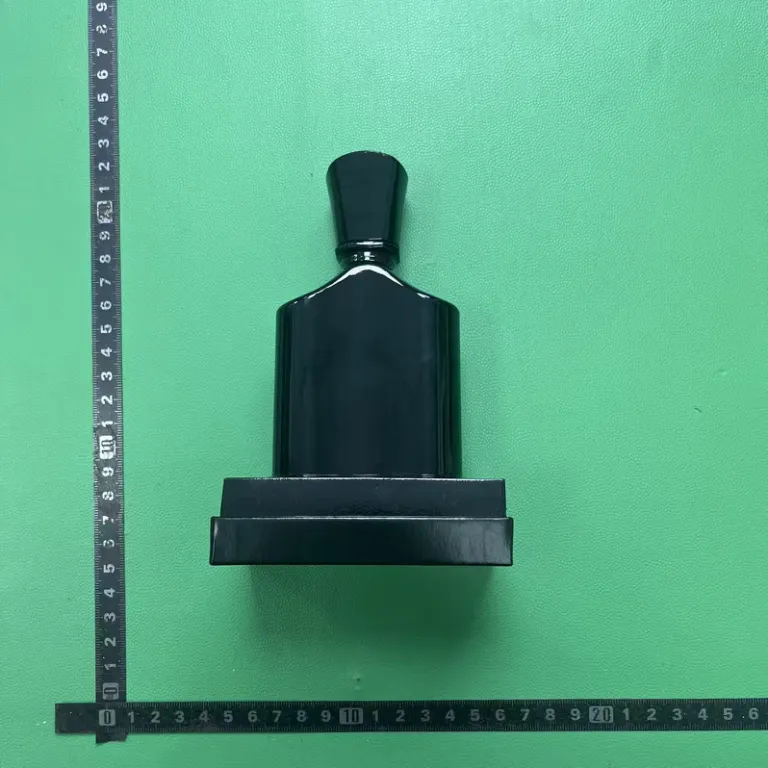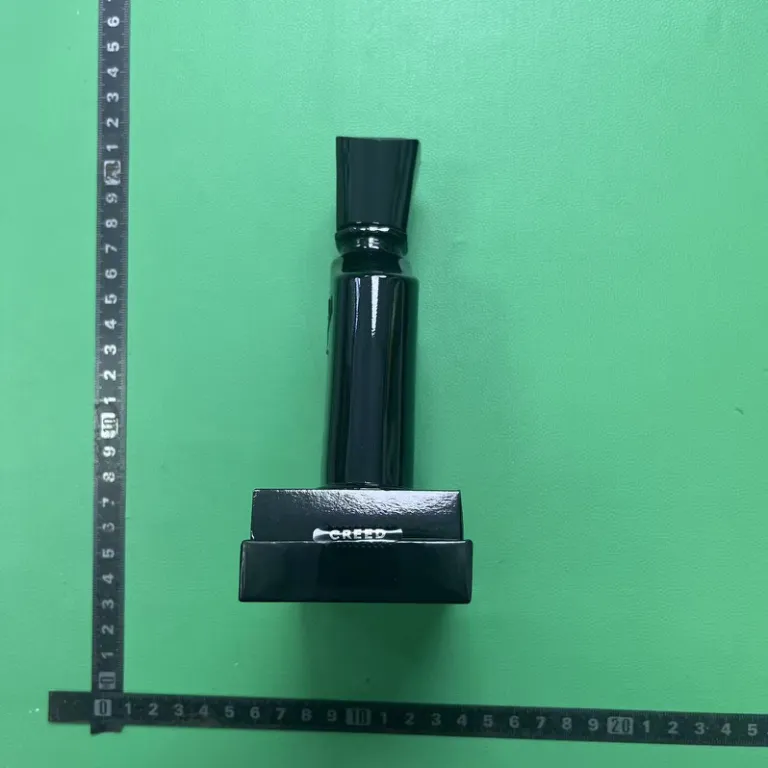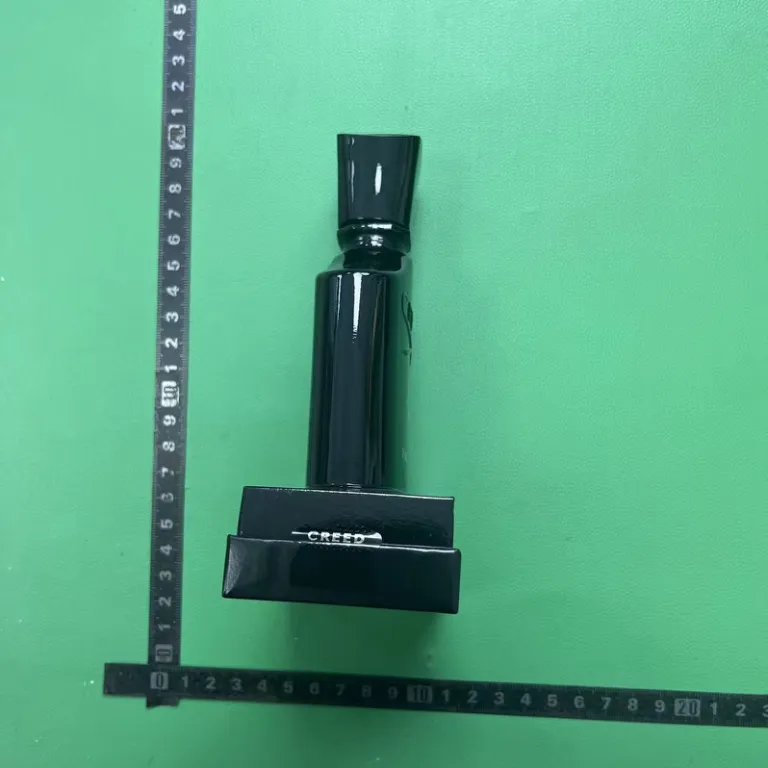
Quality checks
What FSBuy's QC process covers, and what it openly doesn't
FSBuy's quality check is a real warehouse step with a screen you can see, not a marketing phrase. It's also narrower than it sounds: FSBuy states plainly what its inspectors can and can't confirm.
What QC is, mechanically
Every parcel FSBuy receives gets opened at the warehouse, checked against the order, weighed, and measured before it's logged into storage. FSBuy's own Inspection Information article describes this as a free appearance inspection: multi-angle photos, front, back, side, and detail, uploaded against the order. A separate announcement advertises a free QC video as well, giving a fuller view of an item's condition than photos alone. Neither article states a fixed photo count; don't plan around a specific number like “three photos,” because FSBuy doesn't commit to one.
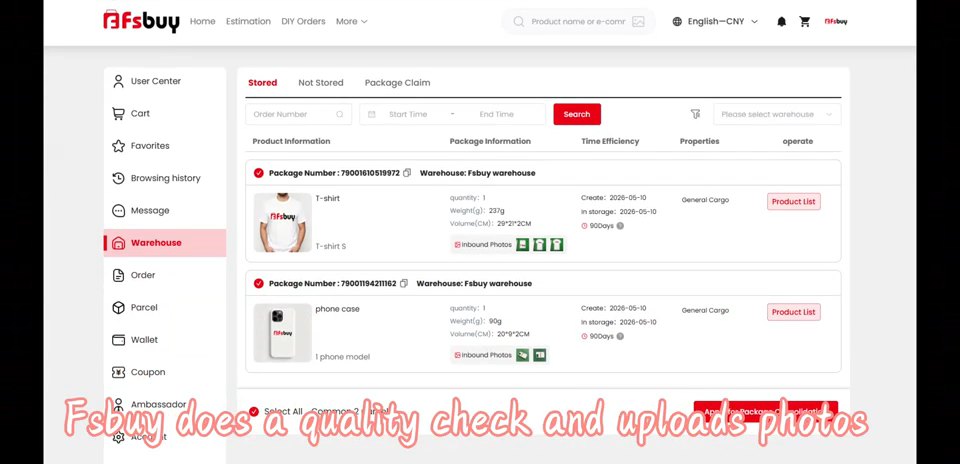
The Warehouse tab itself, shown in FSBuy's own homepage video, lists each parcel with a package number, the warehouse name, quantity, weight in grams, volume in centimetres, the dates it was created and stored, a storage-days badge, and an Inbound Photos button you can open per item.
What doesn't get the full inspection
FSBuy's Inspection Information article carves out two exceptions worth knowing before you order: electronics and digital items, and sealed goods like CDs, figures, or adult products, get an exterior-only check. FSBuy states it will not power on electronics or unseal sealed packaging as part of standard QC. If verifying that a device actually turns on matters to you, that's a question to raise with FSBuy directly before shipping, not an assumption to make from the exterior photos.
What FSBuy explicitly says it can't verify
FSBuy's own inspection disclaimer, in Section 7.2 of its registration terms, states that its quality inspectors cannot confirm product authenticity, trademark or brand authorisation, or intellectual-property infringement. Separately, Section 8.2 of the same agreement lists counterfeit products or goods infringing third-party IP rights among items prohibited from being purchased, stored, or shipped through FSBuy at all. Read together, that's not a contradiction: FSBuy is saying its warehouse staff aren't equipped to authenticate a brand, while still prohibiting the purchase of counterfeit goods through the service. Practically, it means a QC photo confirms condition and that the right item shipped, not that a branded item is genuine.
Judging QC photos like someone who has done this before
- Check the lighting, not just the item. Warehouse photos are taken under consistent light-box conditions, which can shift colour and finish compared to daylight, particularly on metal hardware and plated jewellery.
- Compare against the listing photo, not your memory of it. Open both side by side; small differences are easier to spot that way than from recall.
- Ask for a specific angle if something's unclear. FSBuy's QC photos are free but not unlimited by policy; a direct request for one more angle on stitching or a logo is a normal thing to ask for before approving shipment.
- For sealed or electronic items, ask about function separately. Since FSBuy won't power on devices as part of standard QC, any functional concern needs a direct question, not an inference from the box photo.
Clothing, sneakers and accessories QC photos
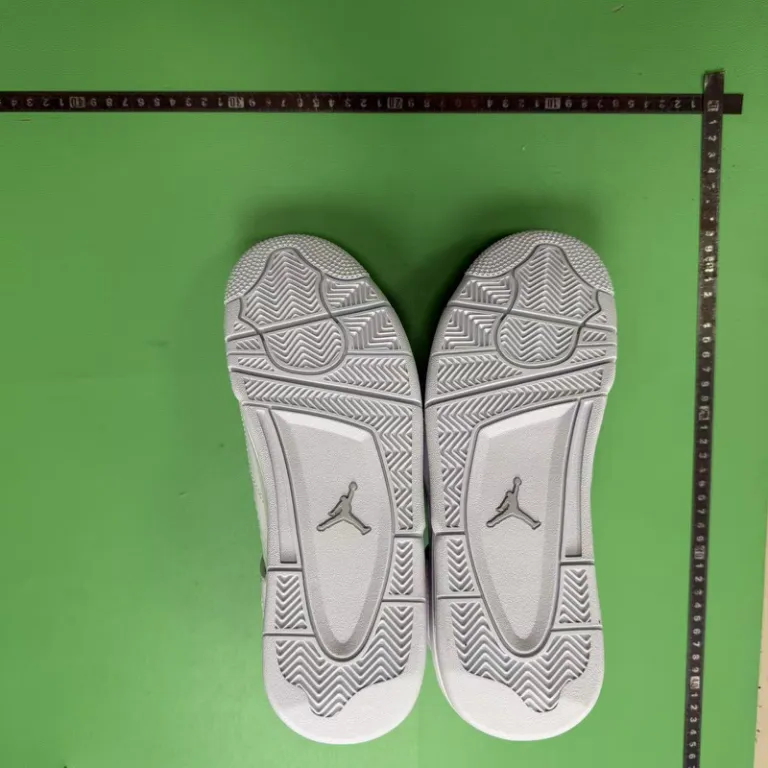
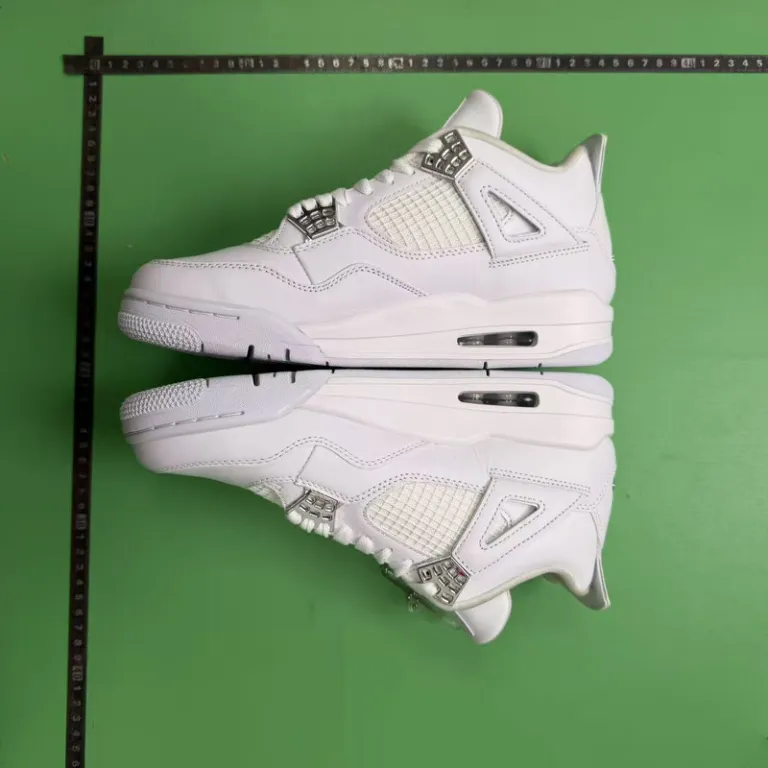
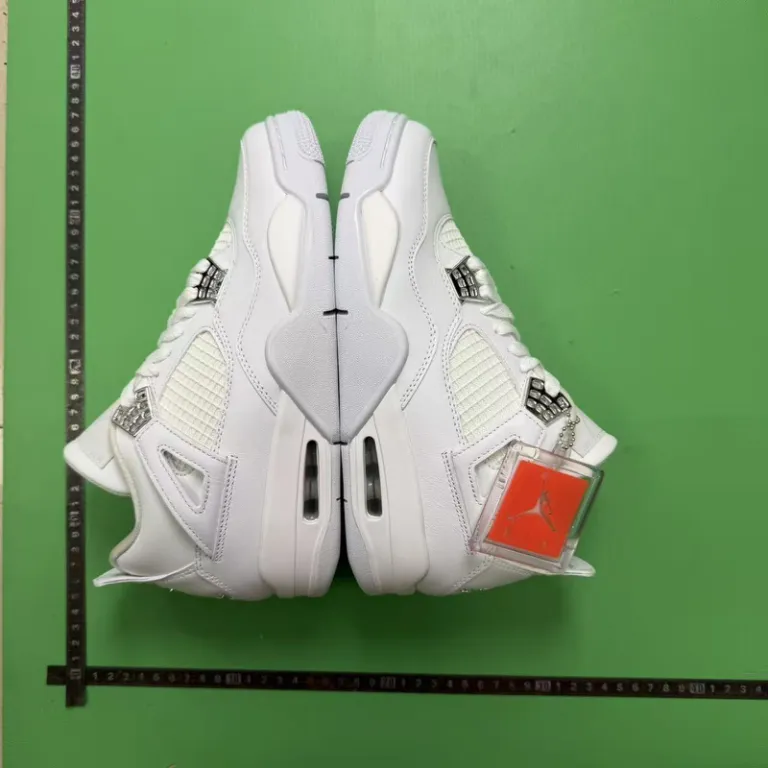
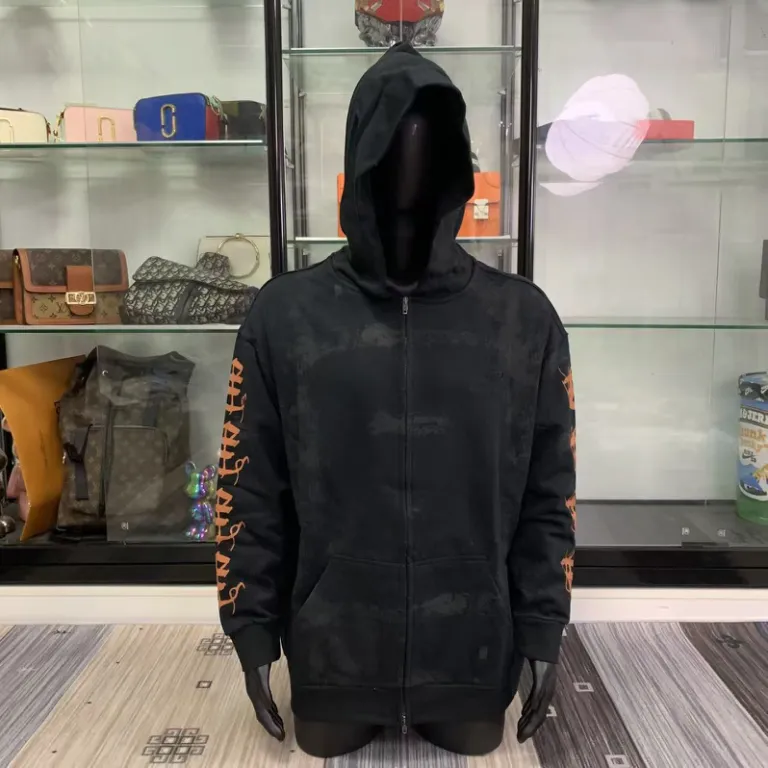
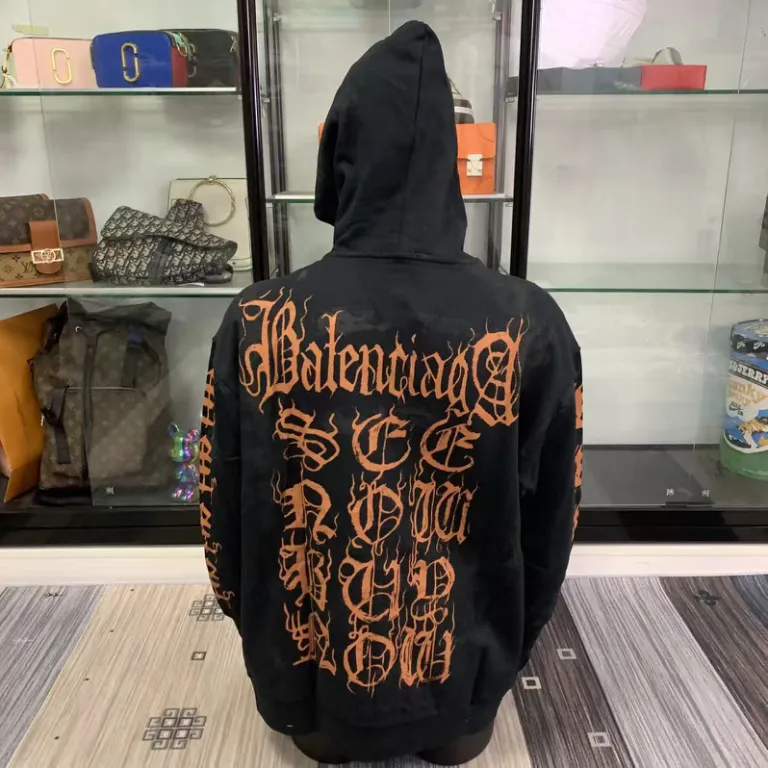
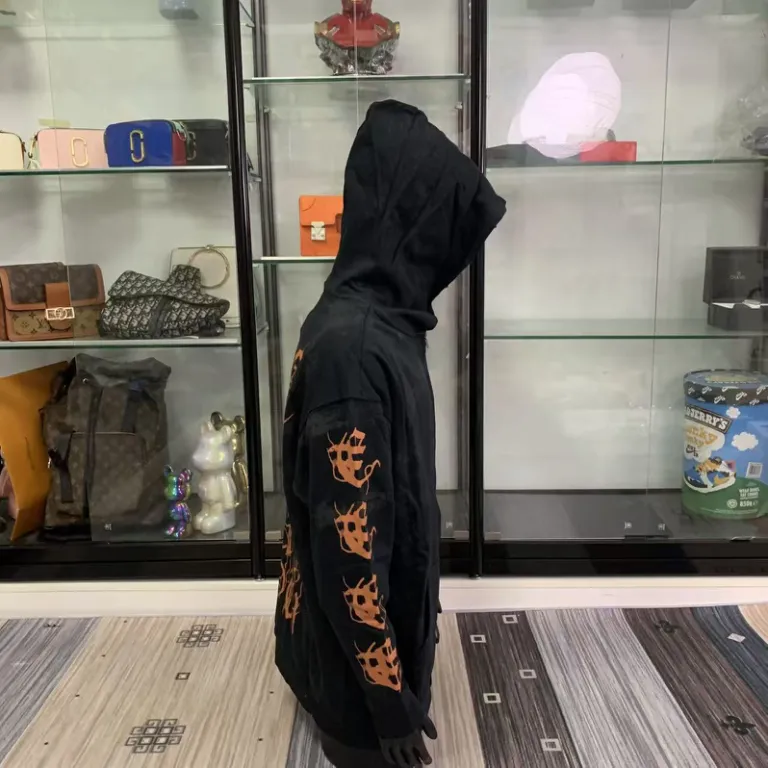
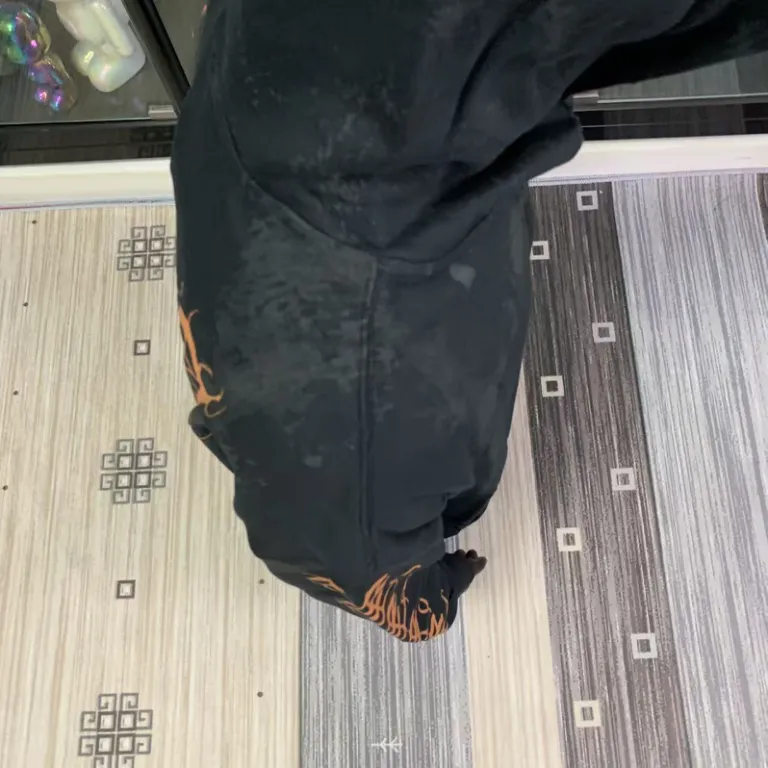
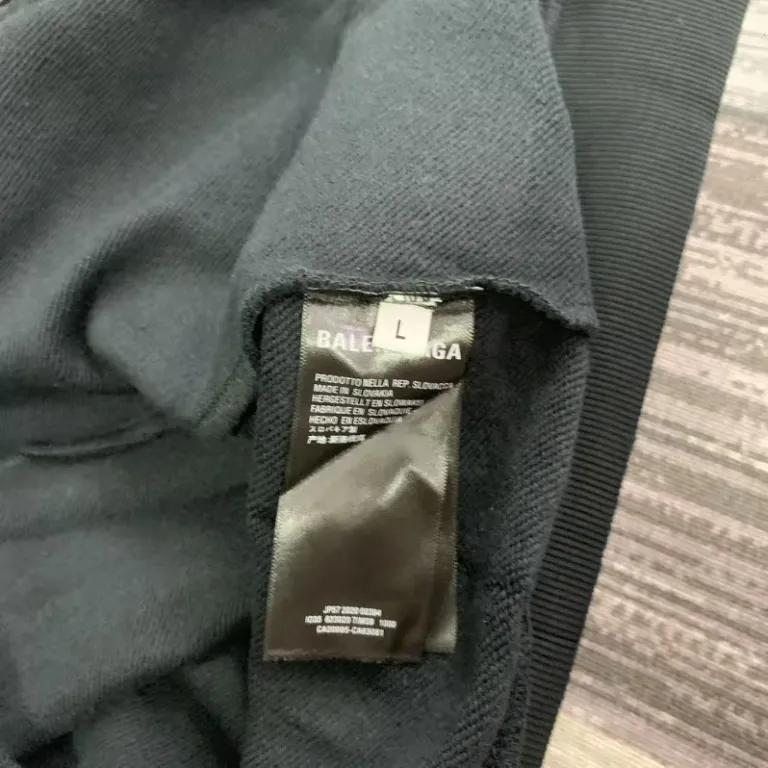
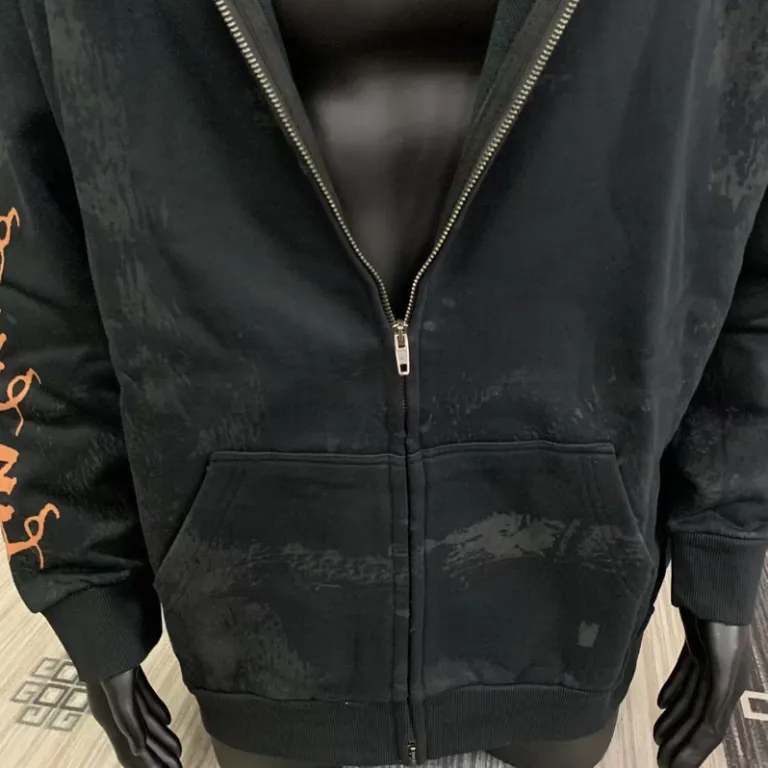
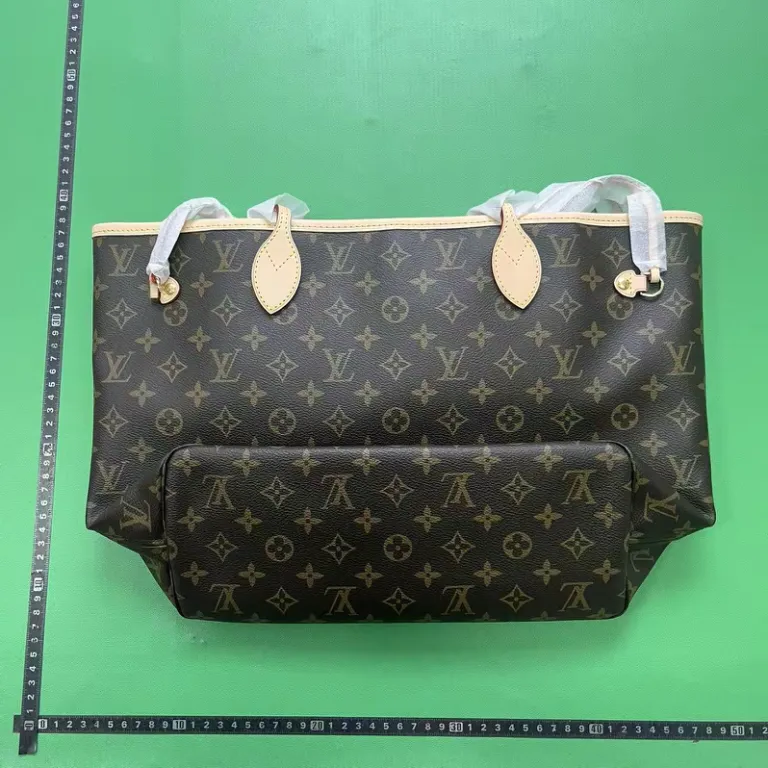
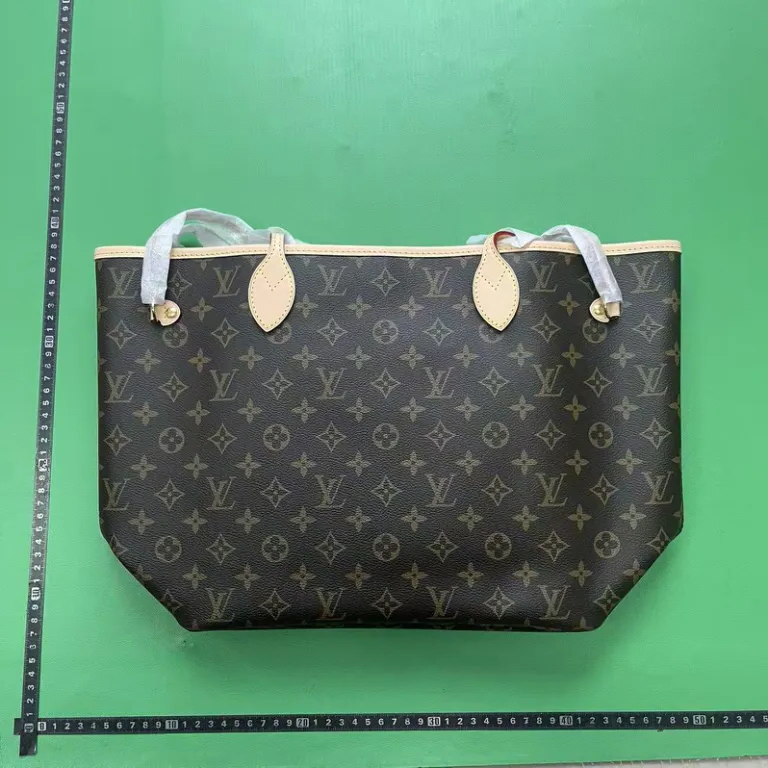
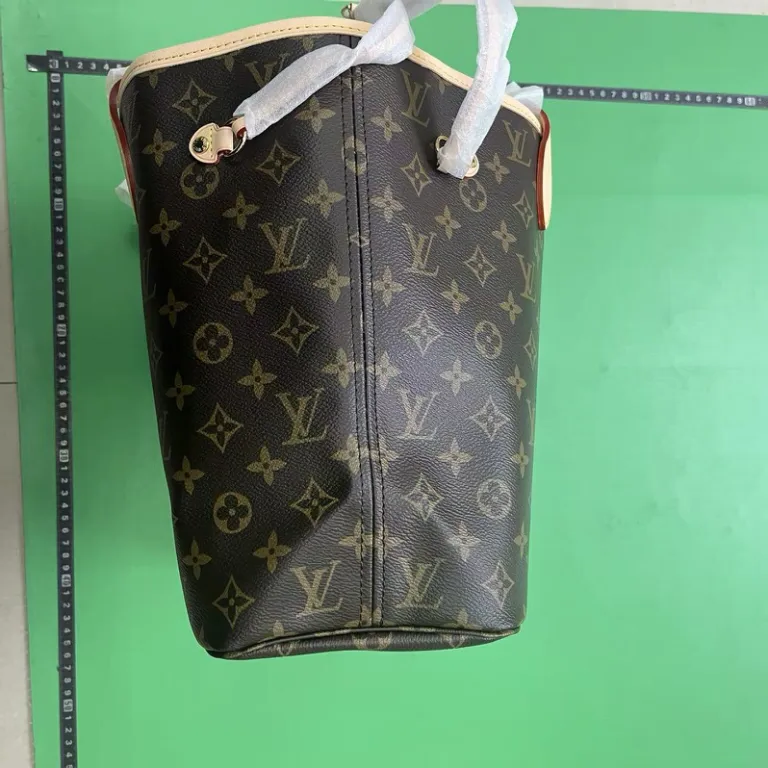
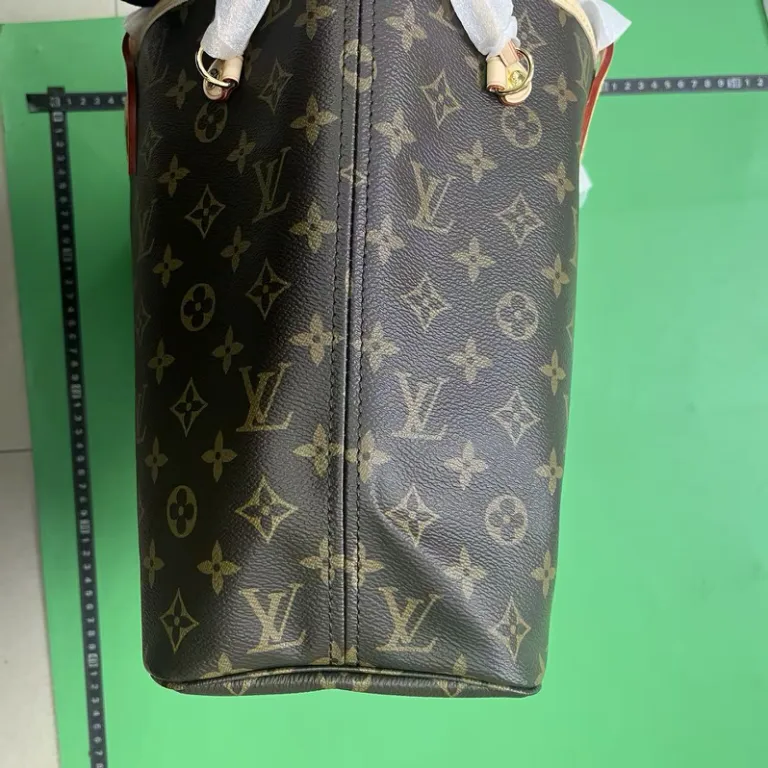
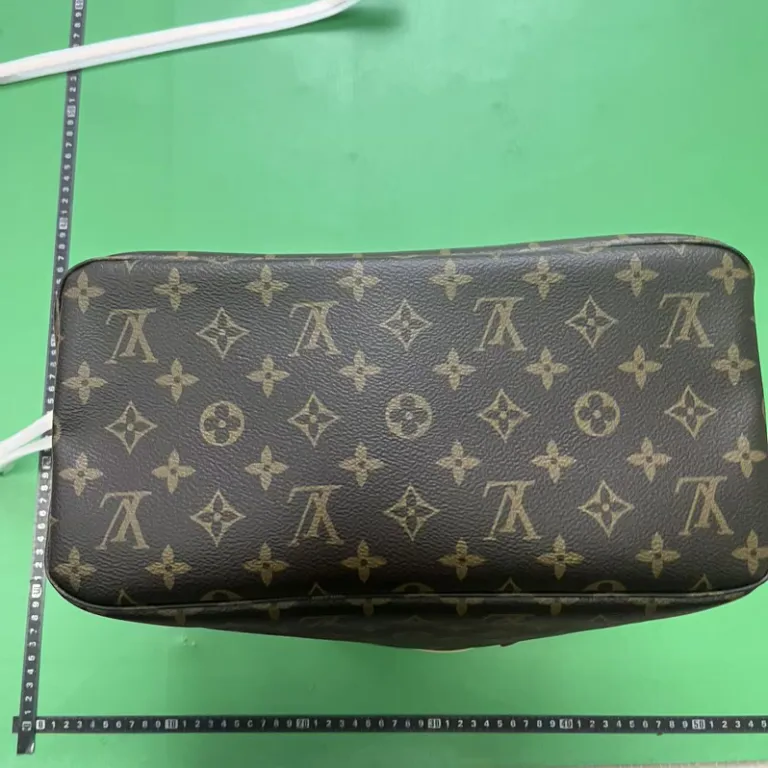
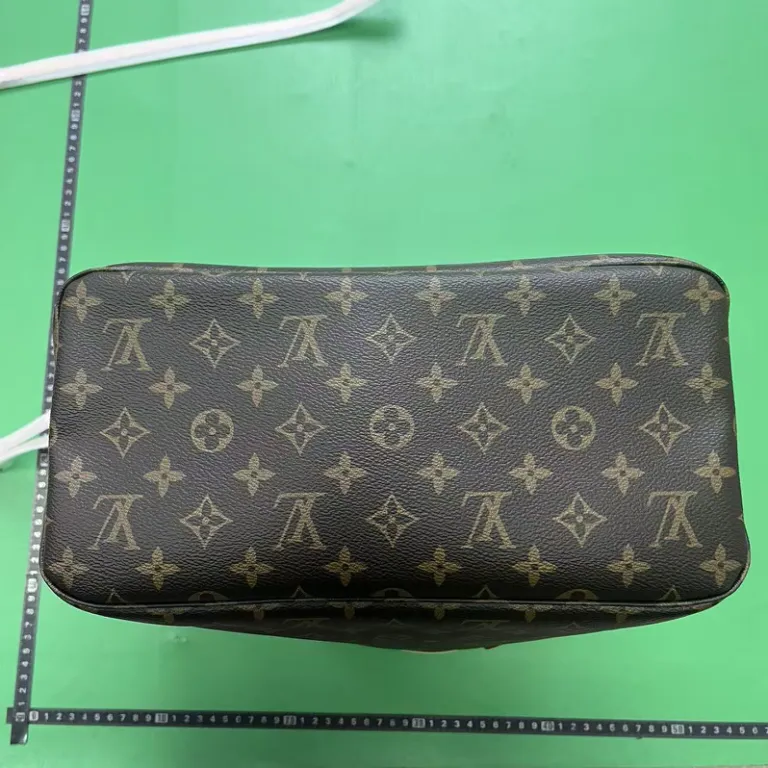
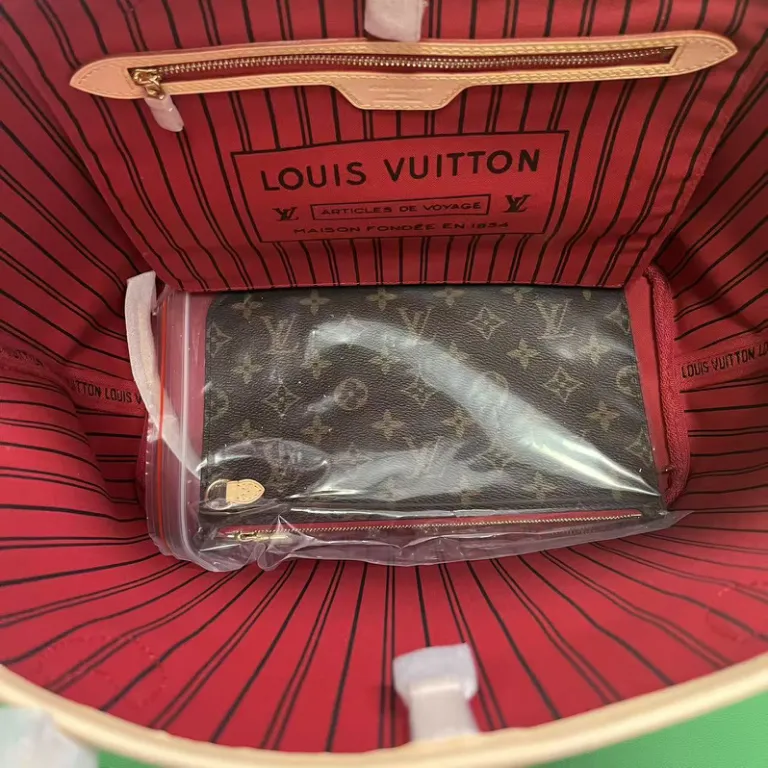
Compare the hoodie embroidery, sneaker soles and bag stitching in these sample photos. Open the full-size images to check details, then use the warehouse photos for your own order before shipping.
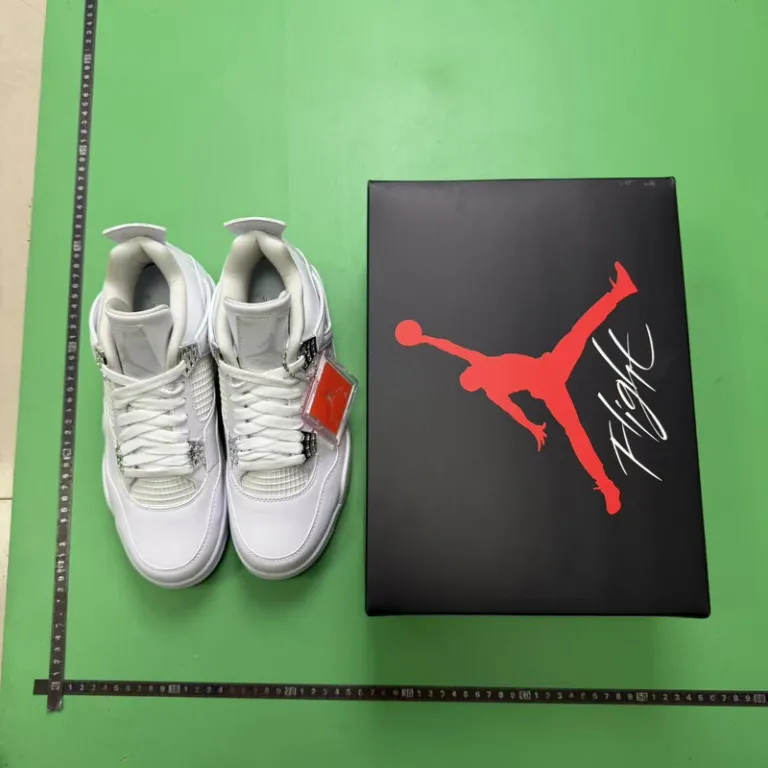
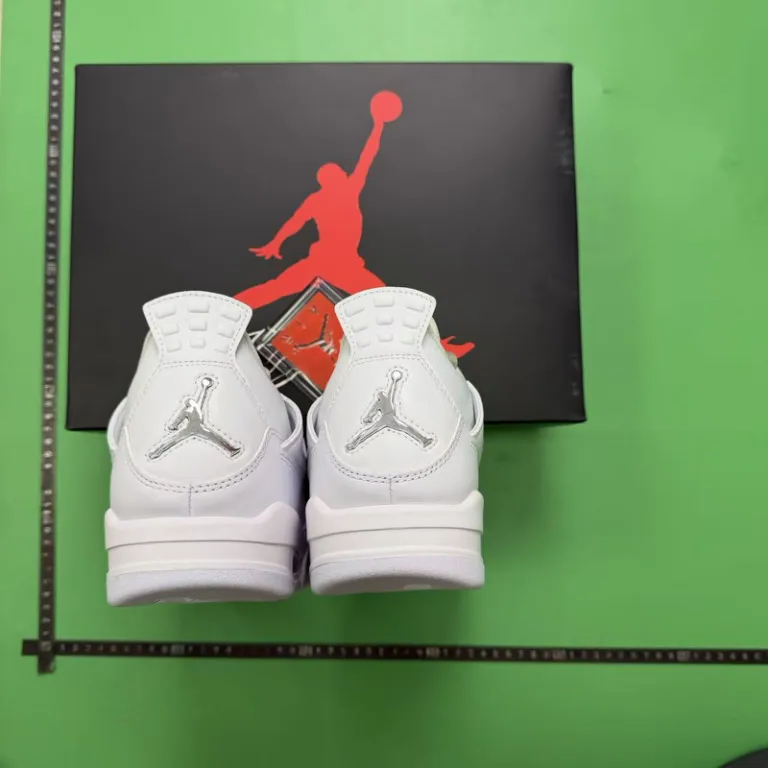
White high-top sneakers
Compare the pair, outsole pattern and heel tabs.
Black embroidered hoodie
Use the front, back and detail views to compare the embroidery and zip.
Patterned tote bag
Compare the handles and corners and look inside for the included pouch.
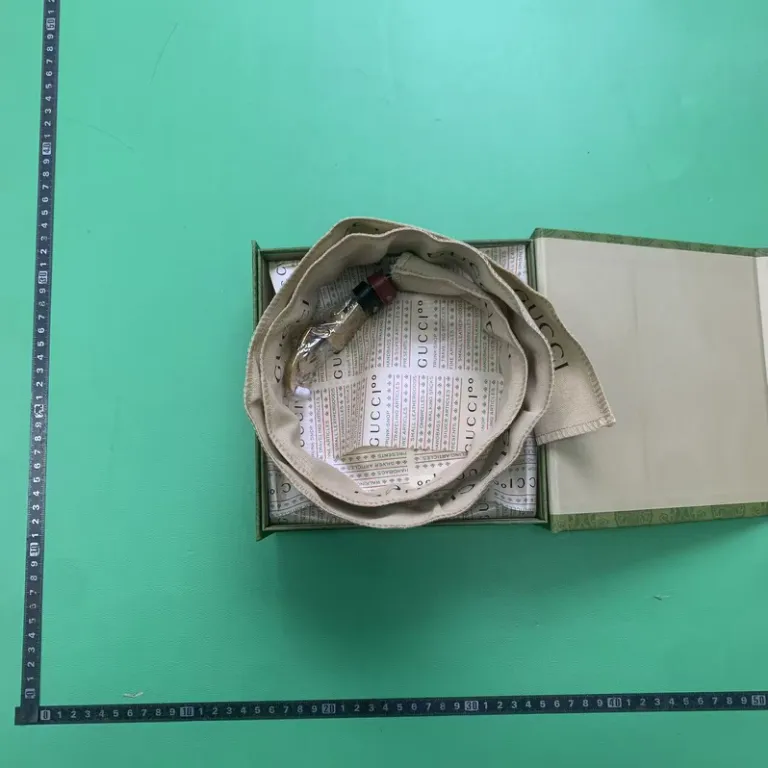
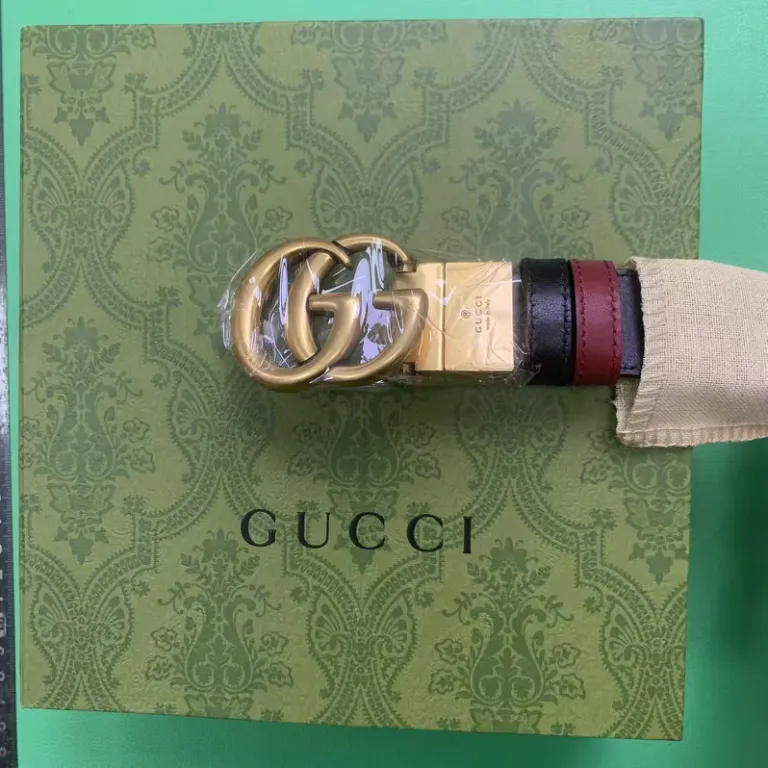
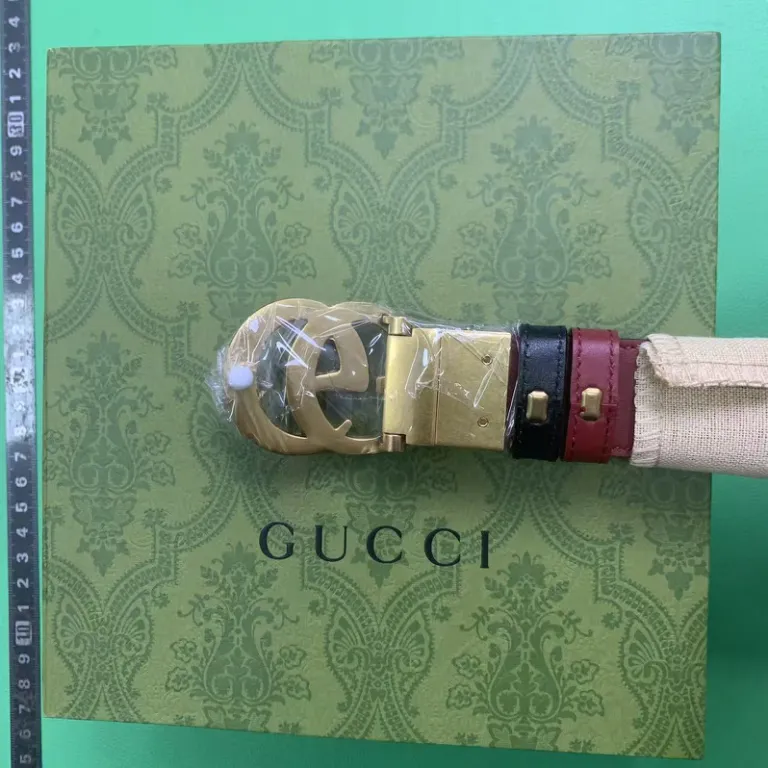
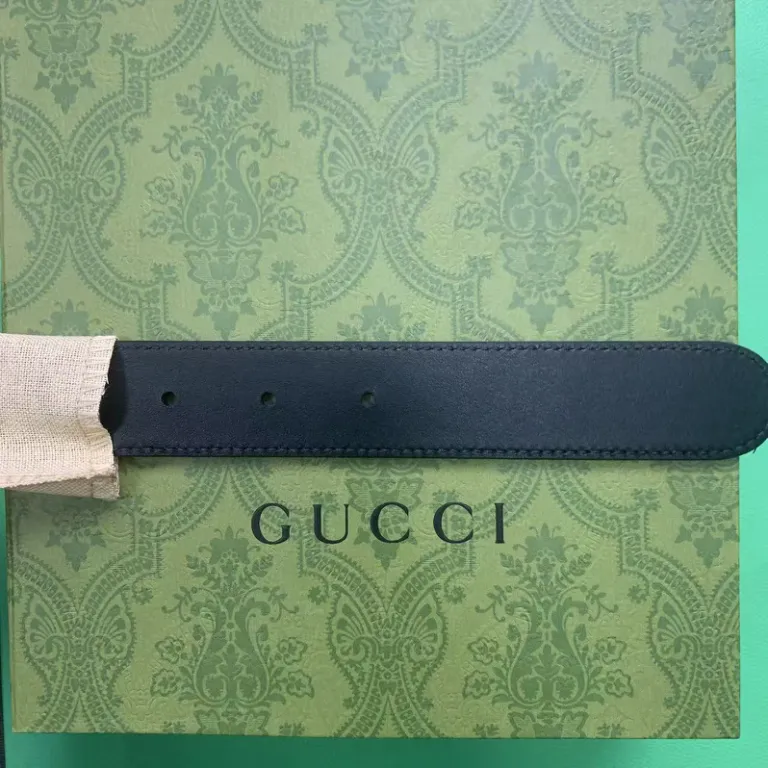
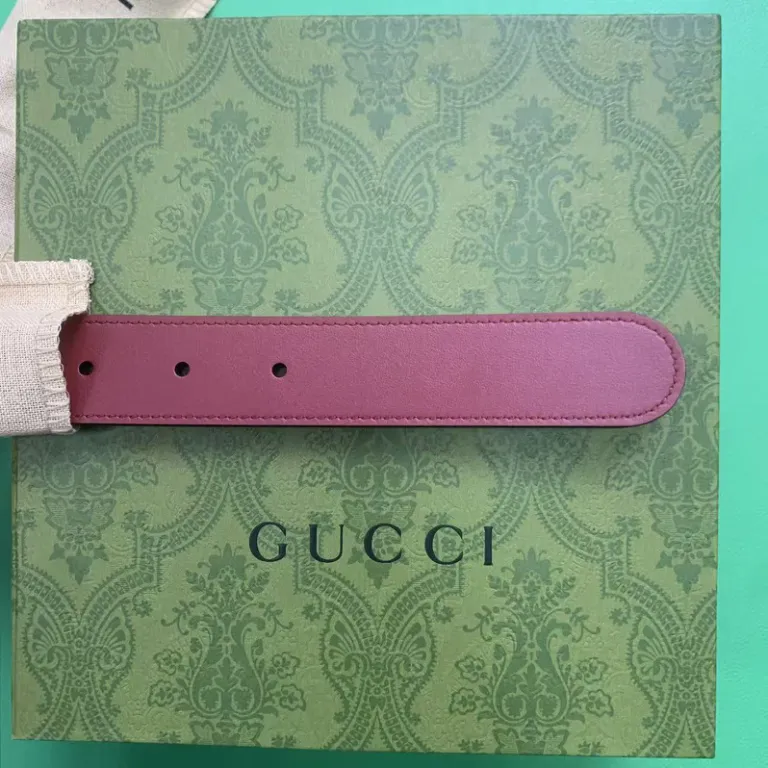
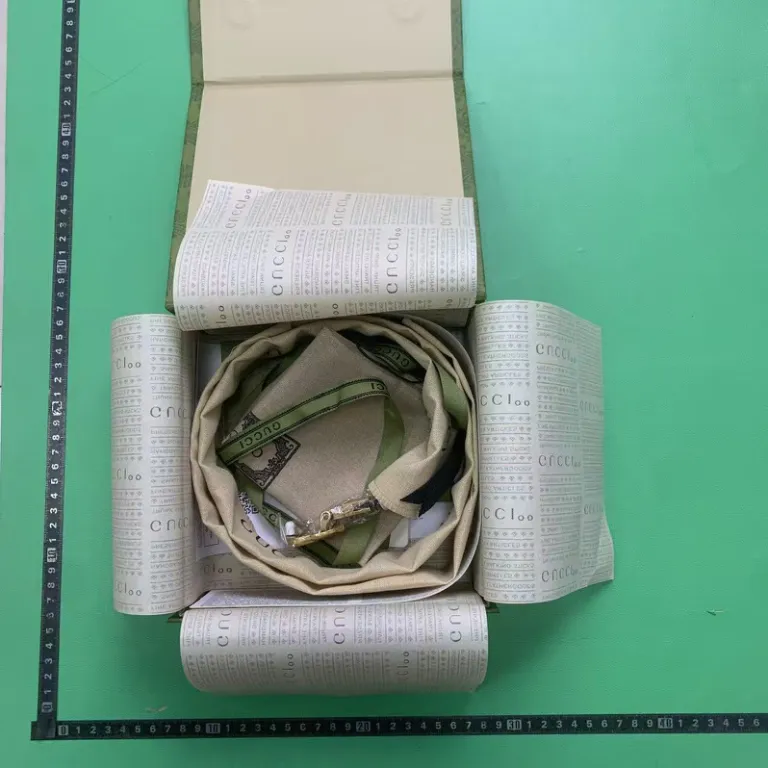
Striped belt and buckle
Check the buckle finish, the strap holes and both sides of the strap.
Dark fragrance bottle
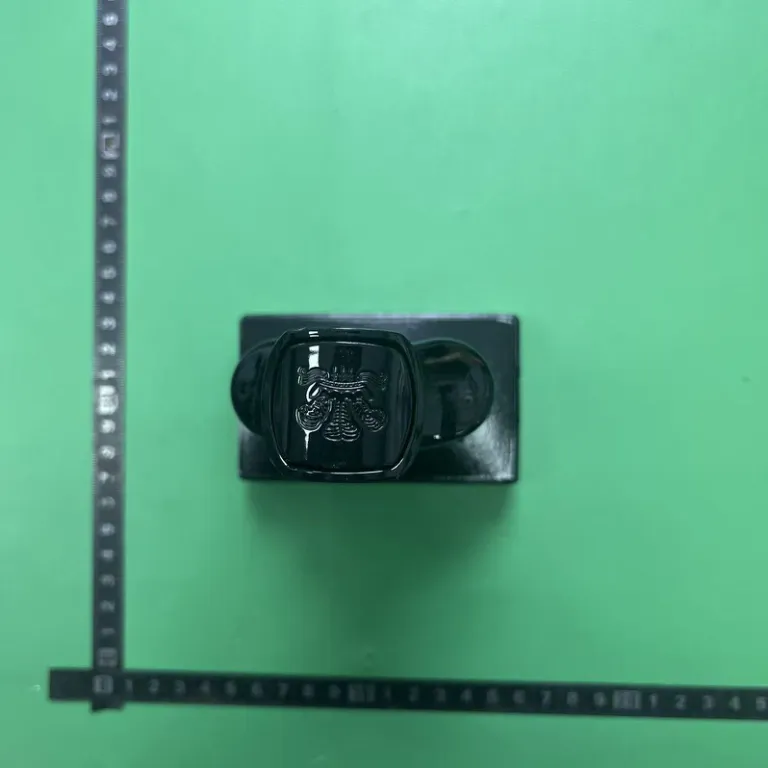
Use the photos to compare the bottle, cap and packaging.